Building a compact, accessible icon set
Table of Contents
In summary
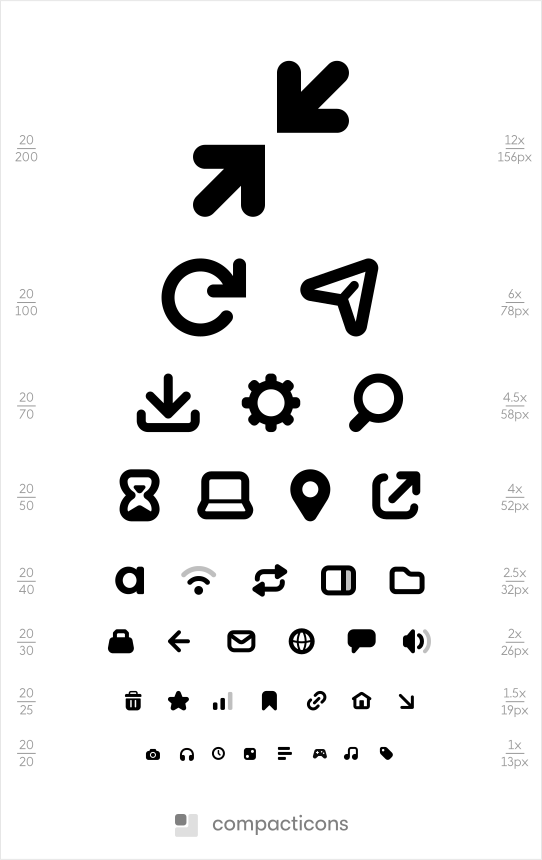
Compacticons is an icon set with a 14 by 13 pixel base size. Comprising of over 145 individual icons, each is carefully designed with the limitations of displays in mind to be rendered as readable and accessible as possible.
Observing the problem space
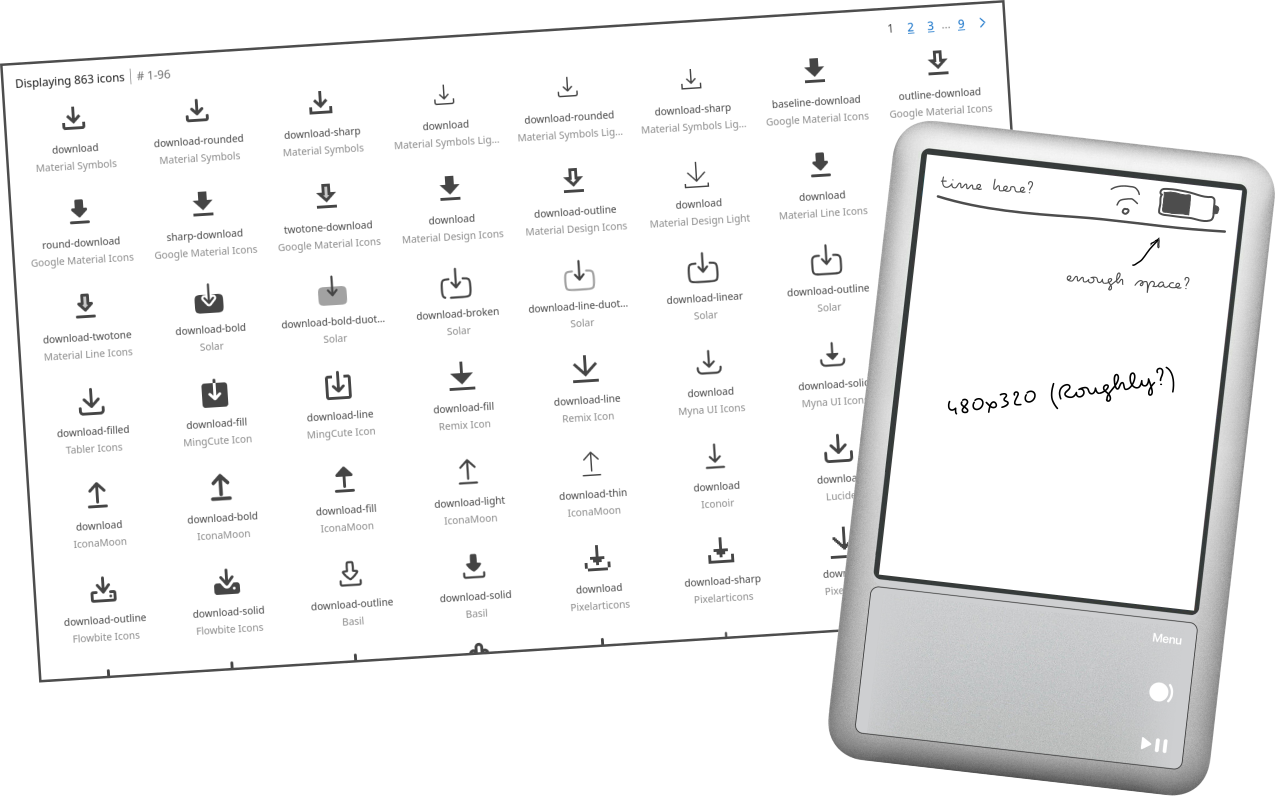
Several years ago I was contacted by a media player startup to help design a UI for their device. My first step was to analyse the hardware and find the design constraints. Screen resolution and space was a key limitation and I immediately recognised the need for an icon set smaller than commercially available ones.
Setting the design specifications
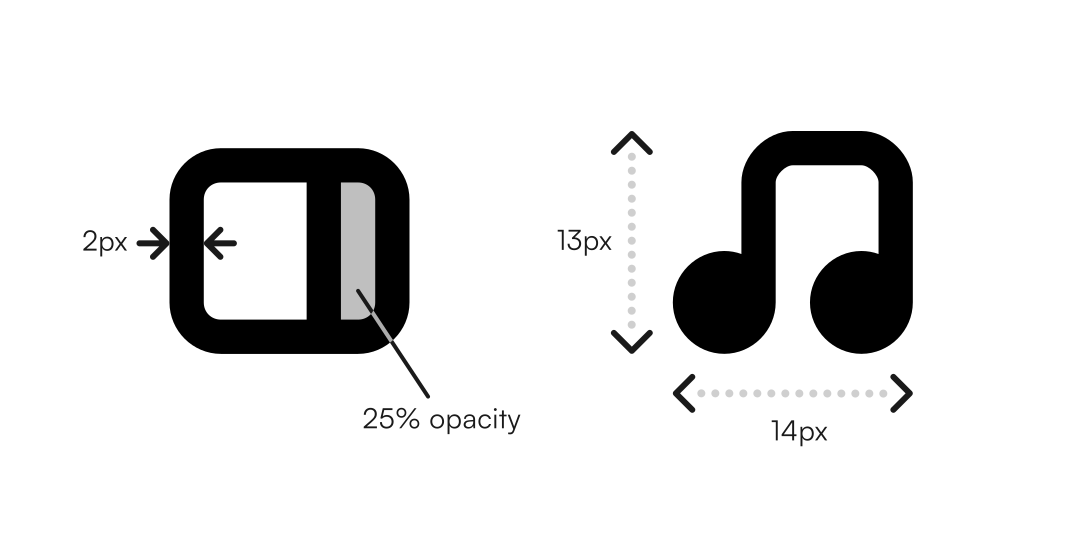
Much of my exploration sought to see how small the icons could be made while remaining readable. During this research, I referenced a number of open-source design systems like the GNOME desktop's symbolic icon guidelines to better understand what design specifications were required. I concluded that the likes of pixel grid alignment and a minimum 2px line width would be neccesary to create an accessible, compact icon set.
Developing and refining a design language
As I've made more icons for this project, my understanding of the set's style and design language has developed. I found that a softer, more rounded visual style suited compacticons best, setting more strict rules of when and where to have sharp angles or rounded corners. Similarly, I introduced shades using transparency to give certain icons access to more depth.
Designing through practical use
I grew the project into a large, open-source iconset through several years of using it practically. At any point that I have needed an icon, I looked to make it in compacticons first rather than go elsewhere. This has allowed the set to become broad, yet highly useful in many numbers of UI applications. You can see it in use in Themify, energy critters and Straw.
Through my intent research and development, compacticons has become a unique tool for designing interfaces where space is required or desired. It breaths life into older, abandoned devices and helps newer, large-display interfaces remain compact and space-concious.