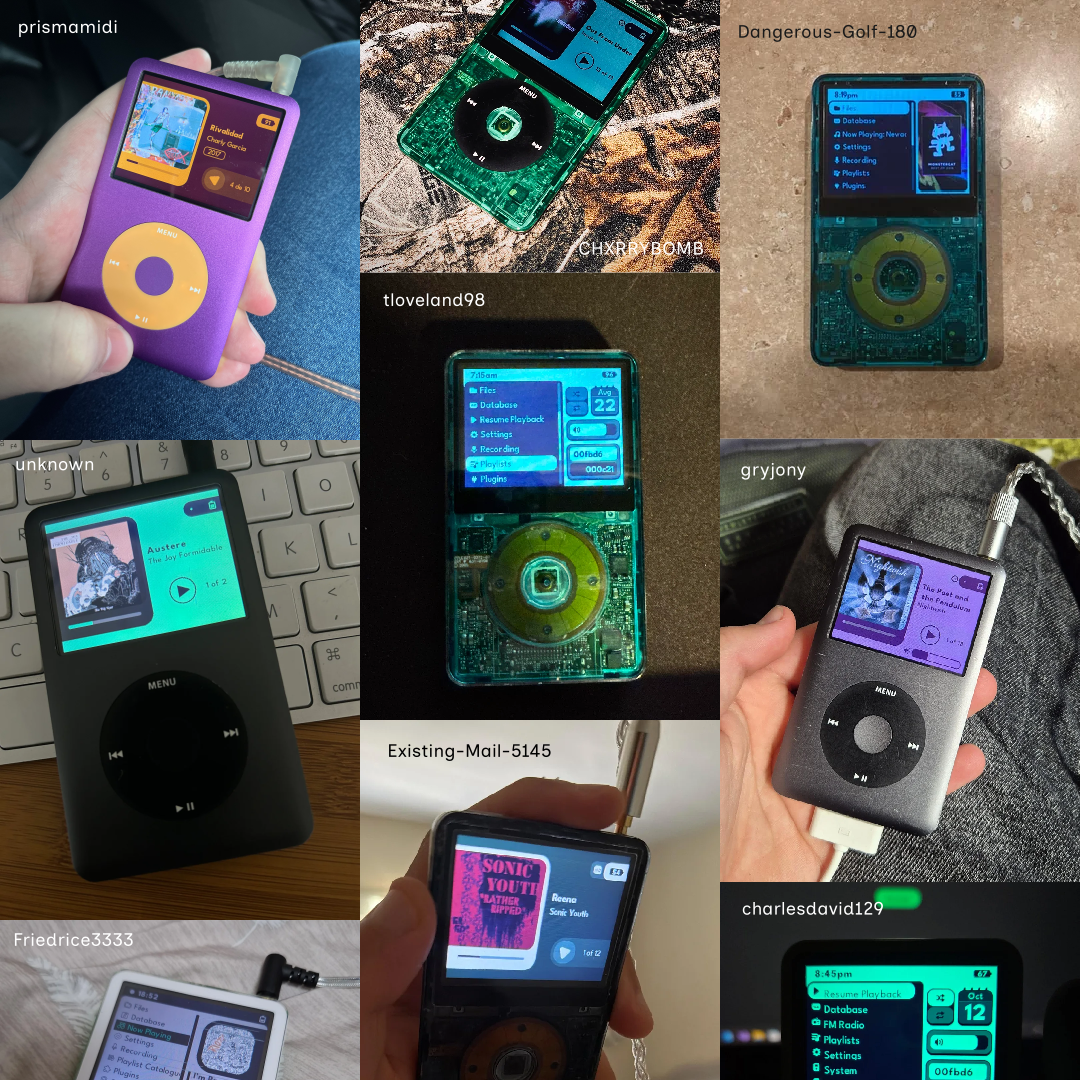
Redesigning and building an iPod UI for modern users
Table of Contents
In summary
As part of my undergraduate degree, I under took a design research and develop project to reduce energy consumption in the home. I performed primary and secondary research, as well as concept, ideation and development of a figma prototype for an application.
How does one find themself here?
Several years ago while battling illness, boredom struck me and I found myself exploring using an iPod again. I discovered that many people were doing the same, and designing interesting user interface concepts to use on them. I decided to make a simple theme for myself, only to discover I had a large and diverse userbase with different needs than my own.
Researching to understand the modern user
I recognised that none of the UI themes available actually considered their users, people with visual impairments often faced bugs when making fonts larger and non-English speakers faced a complete lack of language support. I also noted that many users today customise their iPods with uniquely coloured shells to make it their own. The modern culture was wildly different, and I saw the value in making a UI to match that.
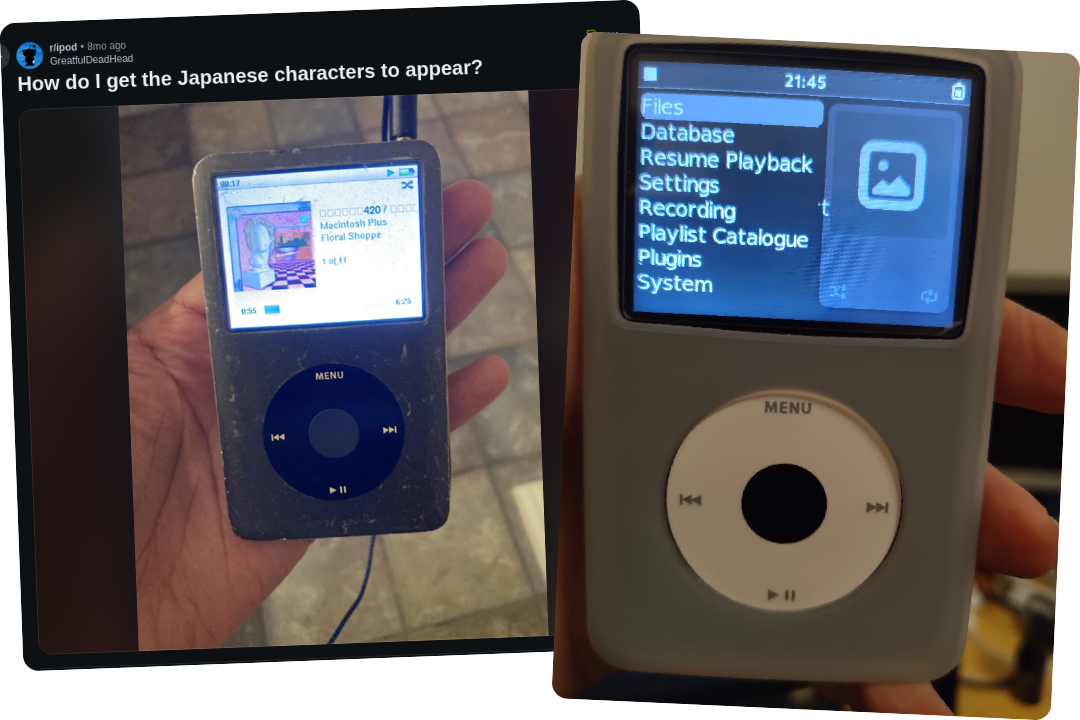
Right: a visually impaired user encountering UI bugs when changing fonts to be larger.
Conceptualising the interface
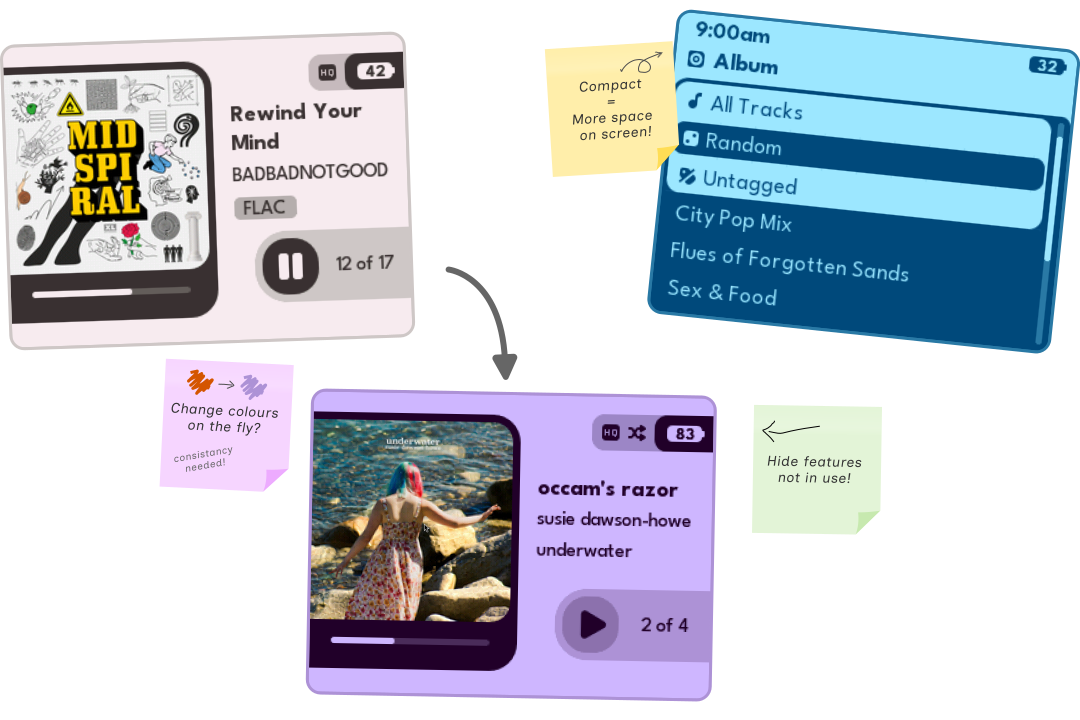
I explored many different avenues of design for the UI, a big decision I made was to only use two colours throughout. This allowed for dead simple customisation, letting users set any colourscheme they liked, but providing a number of programming challenges to solve.
I also put effort into designing information points to be as distraction-free as possible. This led to a minimalist design language, with a focus on hiding widgets when not in use. My overall goal in the process was to have a UI that anticipated the user needs and react at just the right time.
Developing and Refining
The biggest part of Themify however is it's functionality. I wanted not just for users to be able to put it on their iPod, but it to be a highly polished and bug-free experience. My process of implementing a featuring and refining the design based on how it functioned created a positive feedback loop throughout the UI.
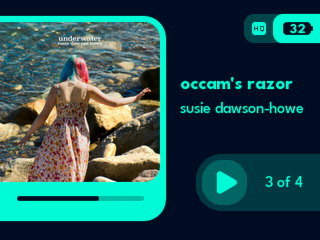
I developed a number of novel techniques for working with iPod UIs in order to improve the user experience. My initial prototype lacked anti-aliasing for smooth graphics, which I fixed by hacking the font system to render my UI with.
Contributing beyond the scope of Themify
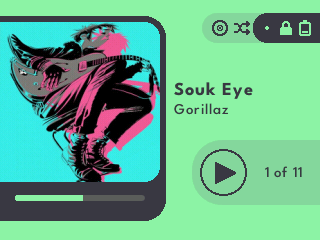
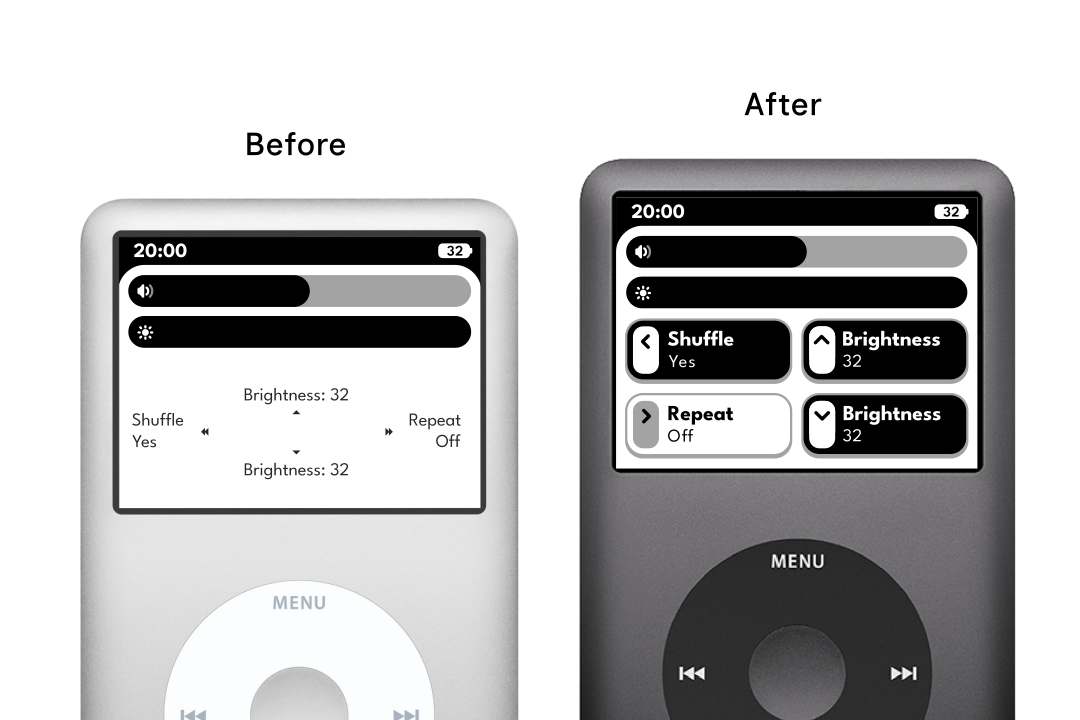
I sought to improve the user experience further beyond what the Rockbox operating system would let me, and so I spent a month studying the OS codebase and learning more C in order to add the features I felt were needed. This experience taught me a lot about working within software projects with strict management and guidelines, as well as communicating within organisations. The work I did is also available to any Rockbox UI themes to implement.
Release Management and Organisation
I learned a lot about managing and releasing a large project as part of Themify. I organised and communicated between a number of people commissioned to assist with creating extra assets for the project like illustrations and a manual. I also managed the release across a number of platforms and promoted it to relevant communities, including building a website as an information hub.
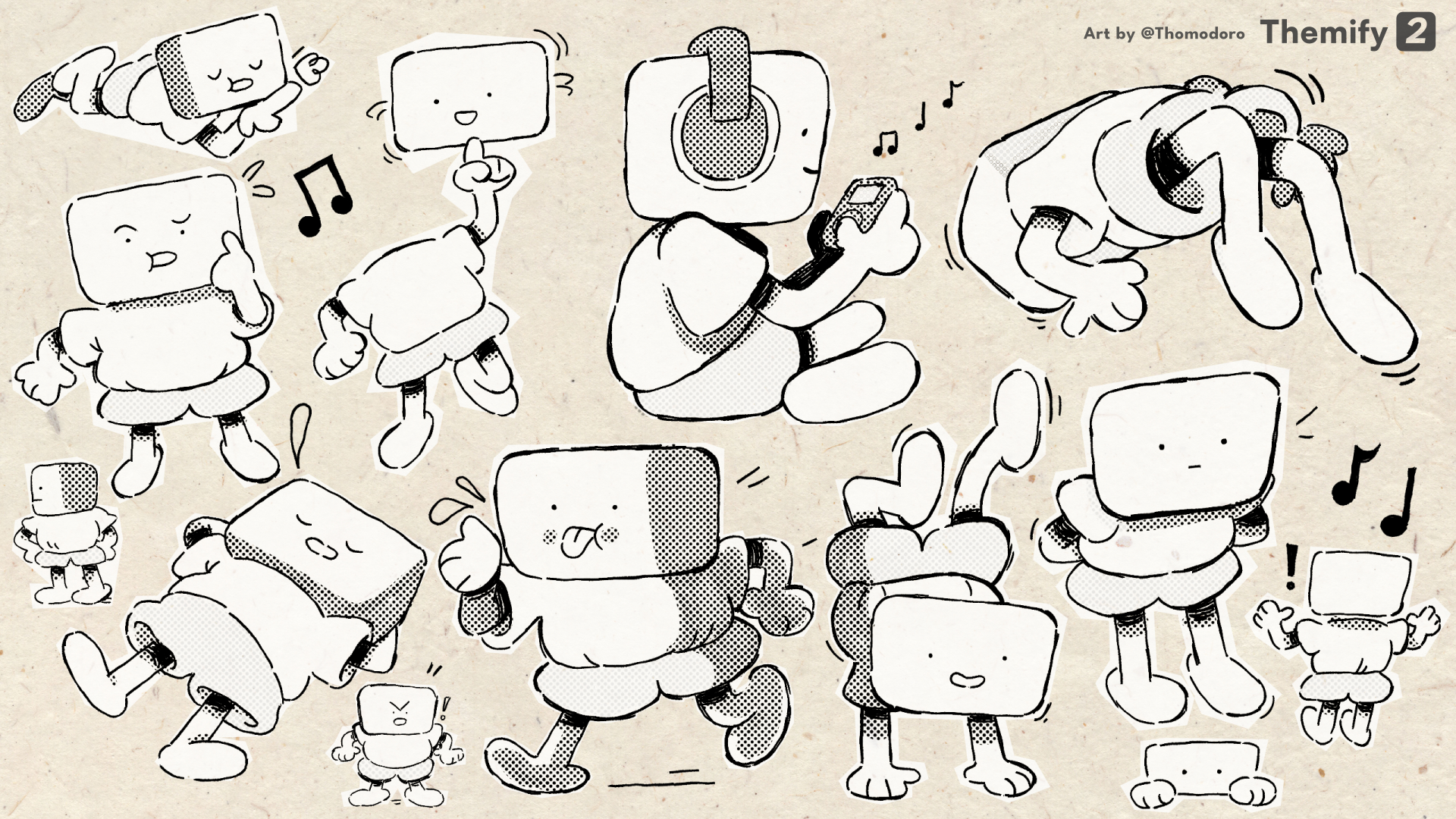
The project has seen moderate success with over 33,000 downloads and users from all over the world. It has also featured in videos across multiple different social media platforms in many different languages. I am incredibly thankful for the support I have received from fans on Ko-Fi that allowed to pursue this project to it's completion.